Free Pinterest SEO Checklist →

Marketing planners & trackers for small business owners

Senior-level systems. Beginner-level effort.

Stop guessing what your numbers mean. Clearly tracks your social, Pinterest, SEO, email and brand deals — then tells you what to do next.

  • Live demo on every one
  • Your data stays on your computer
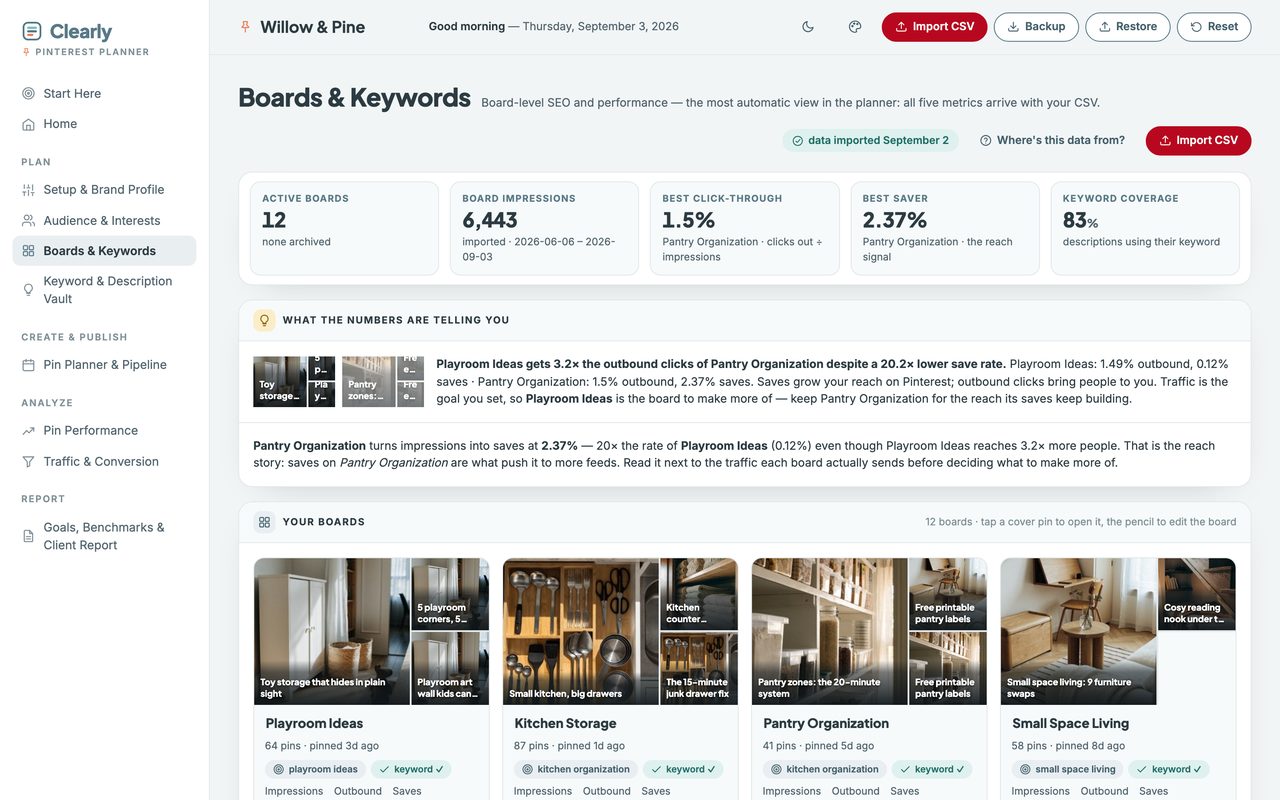
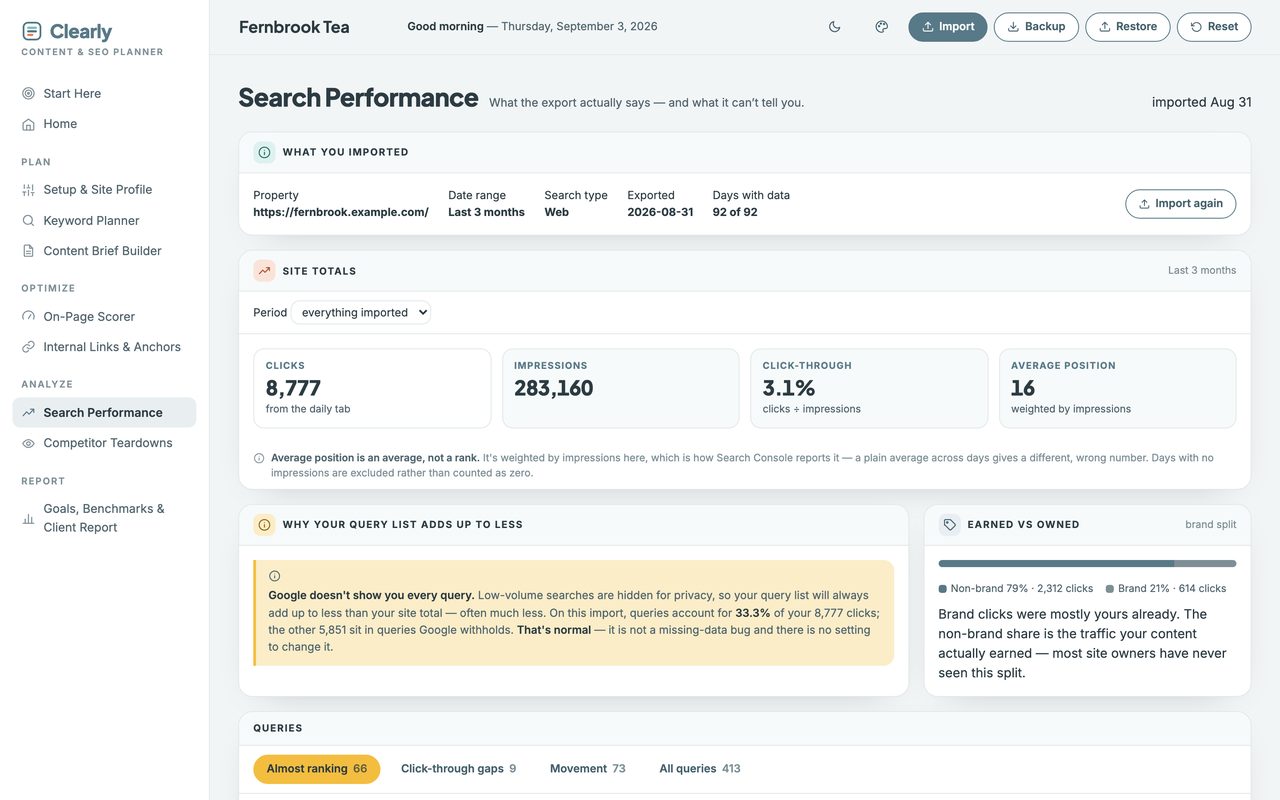
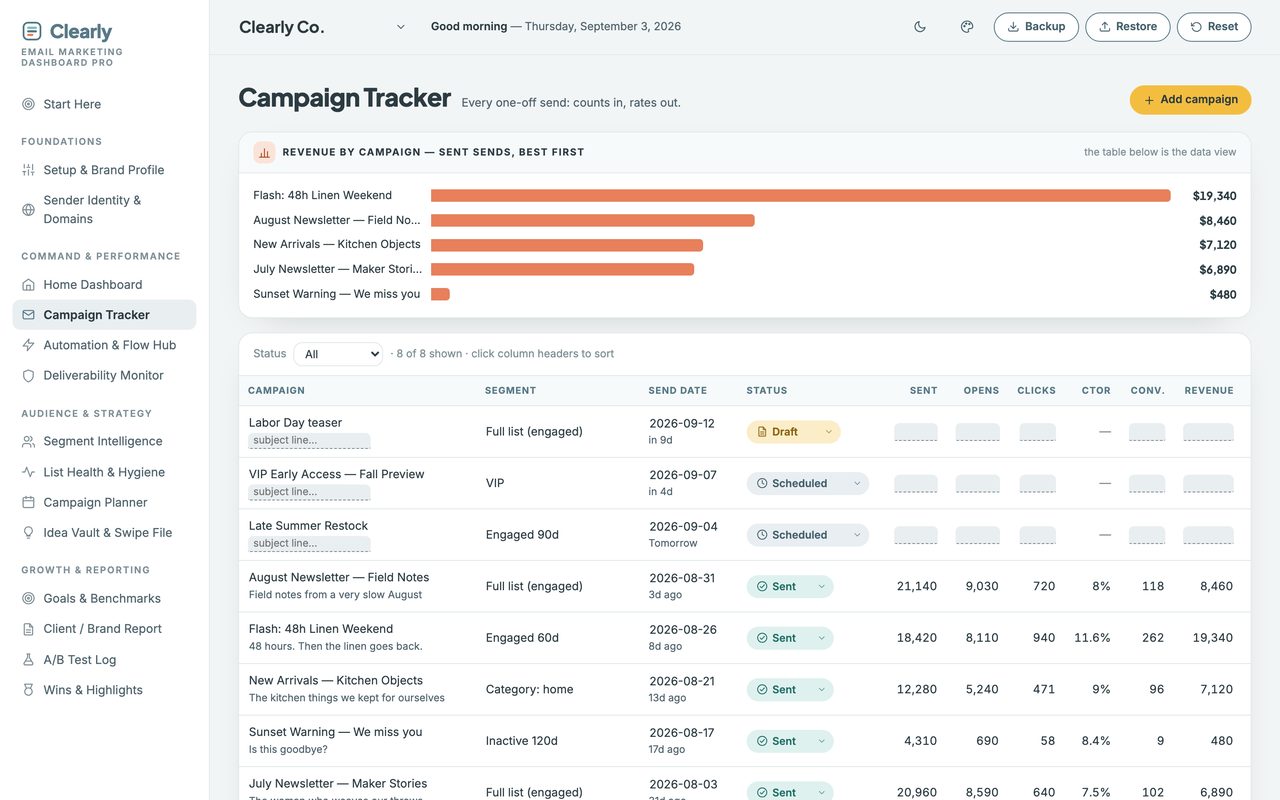
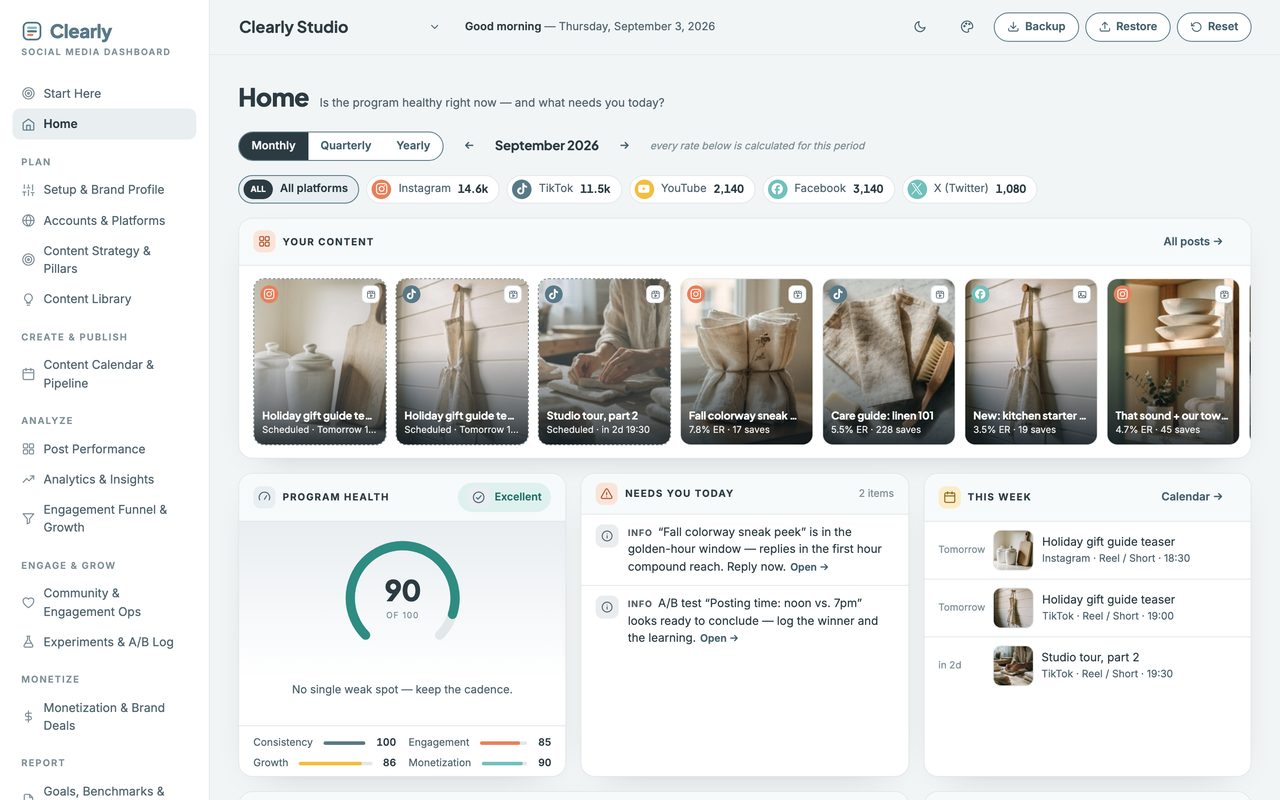
The Clearly Social Media Dashboard, Home view: a program health score, this month's platform follower counts, and a row of scheduled posts with their engagement rates. The Clearly Pinterest Planner, Boards & Keywords view: active board and impression totals, best click-through and best saver boards, and keyword coverage across board descriptions. The Clearly Content & SEO Planner, Search Performance view: an imported Search Console export summarized into site totals for clicks, impressions and average position. The Clearly Email Marketing Dashboard, Campaign Tracker view: revenue by campaign as a ranked bar chart, with a sortable table of every send and the segment it went to. The Clearly UGC Creator Tracker, Pipeline view: seven stage tiles from Identified to Paid, and a line saying 7 of the last 12 pitches stalled at Contacted. The Clearly Brand Pitch Tracker, Pipeline view: seven stage tiles from Identified to Paid, and a line saying 7 of the last 12 pitches stalled at Pitched.

Why these are different

Most tools report. These recommend.

You already have the numbers. What you don't have is the time to sit with them and work out what they mean.

Not a spreadsheet

A spreadsheet shows your numbers, and it shows them perfectly well. This one reads them back to you and says which thing to fix first.

Tells you what to fix

Every view ends in a sentence, not a chart. Which board earns more pins, which page is one pass from page one, which flow is leaking.

No subscription

Pay once and it’s yours. No login, no renewal, no seat count. Open it in the browser you already have — Chrome, Safari, Firefox, Edge.

Your data stays yours

Everything lives on your own computer. It is never uploaded, we never see it, and it works with the wifi off.
The planners & trackers

Planners and trackers, one file each.

Each one is a single file that opens in your browser, and every one has a live demo you can click through before you buy.

Built for a laptop. Works on your phone through a private web-app link.

Why not just a spreadsheet? Side by side: the same Pinterest board figures as a plain spreadsheet grid — correct, and that's it — and as the planner's insight panel, which names the board that turns impressions into saves and says what to rework first.

Why not just a spreadsheet?

A spreadsheet shows your numbers. This tells you what to do about them.

A spreadsheet does the maths perfectly well. It just never says which of the numbers is the one to act on this week.

Capability Sheet Clearly
Shows what happened ✓ yes ✓ yes
Tells you what to fix next — no ✓ yes
Nothing to break — no formulas to delete — no ✓ yes
Reads your Search Console or Pinterest export — no ✓ yes

Built to be easy

Nothing to set up, nothing to learn.

A Start Here page

Every planner opens on one. It tells you the three things to do first, in order, and then gets out of the way.

See it before you buy

Open the real thing in your browser right now. Nothing to install, no account, no card — just the planner with data in it.

Sample data, cleared in one click

Each file ships populated so you can see how every number behaves. One button empties it and the file is yours.

Free resource

The Pinterest SEO Checklist

Ten checks to run before every pin goes live — the six places Pinterest reads your keyword, and the four that tell it what your pin is about. One page, print it and tick it off.

Confirm your email and the checklist arrives straight after. No sequence, no pitching.

The one-page Pinterest SEO Checklist: the title and check one are readable, and the rest of the page is blurred until you sign up.